7 Benefits of Using a Multiple Chrome Profile Manager with Automation
Managing multiple accounts and projects manually through Chrome may work when you only have a few browser environments.
However, when the number of profiles grows, finding the correct account, proxy, session, or project can become increasingly time-consuming.
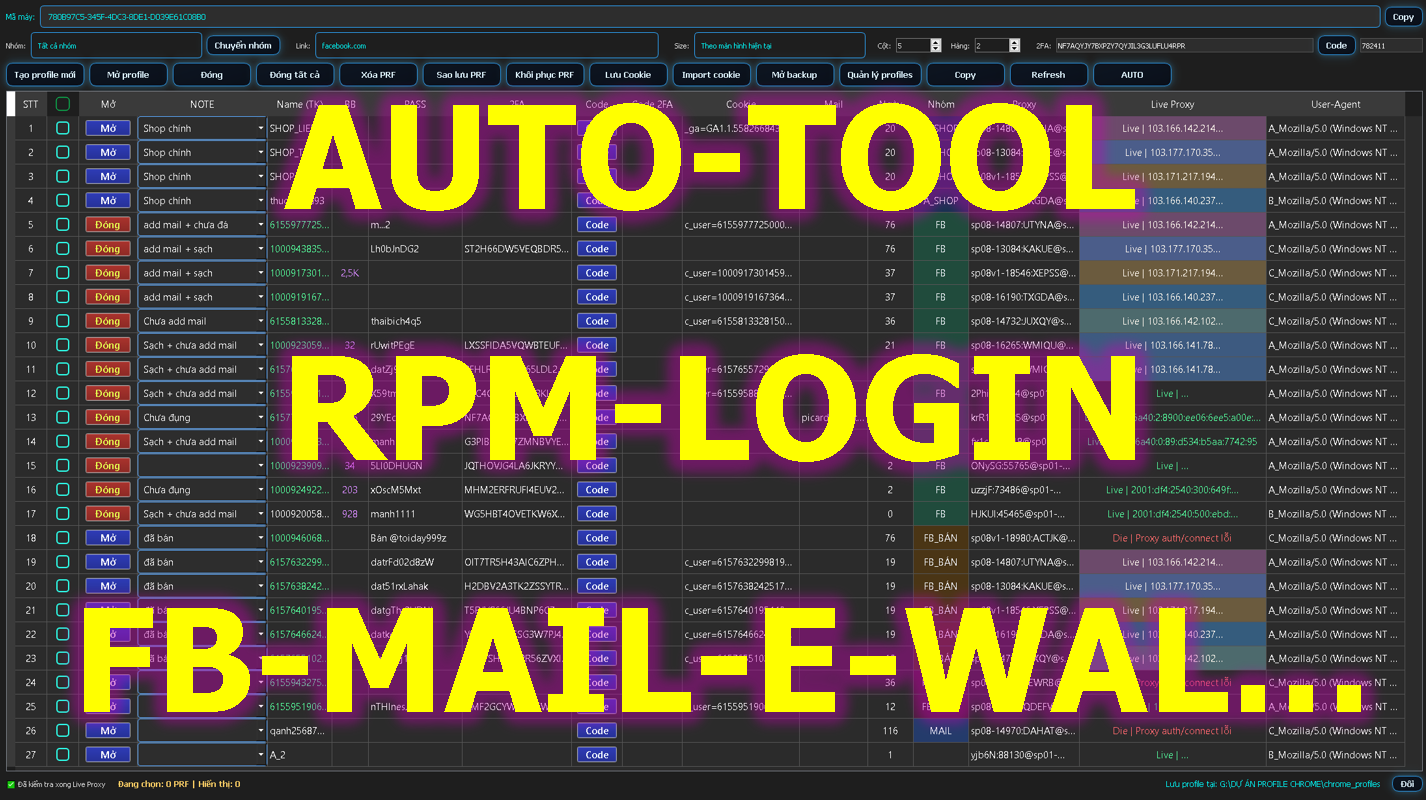
A multiple Chrome Profile Manager such as RPM Login can help centralize these workflows.
Here are seven major benefits.
1. Separate Each Working Environment
Each Chrome Profile can be dedicated to a specific project, customer, website, or workflow.
For example:
-
Profile 01 → Client A
-
Profile 02 → Online Store B
-
Profile 03 → Marketing Project C
-
Profile 04 → Testing Environment
This helps users avoid mixing projects or opening the wrong account.
2. Manage Multiple Chrome Profiles from One Dashboard
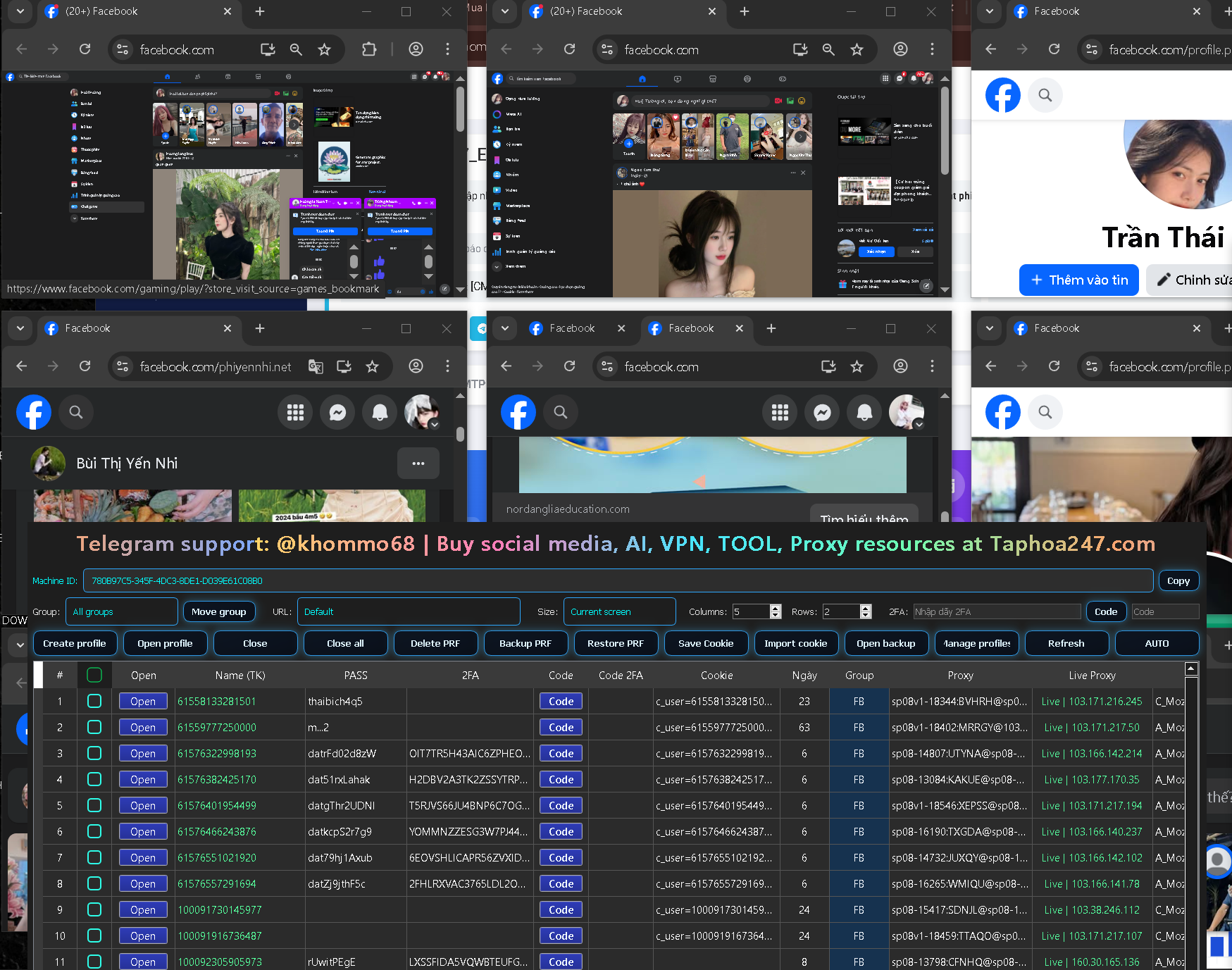
Instead of manually searching through browser profiles, a Chrome Profile Manager allows users to organize profiles from one centralized interface.
This becomes increasingly useful when the number of profiles grows.
3. Easier Proxy Management
Different browser environments may require different proxy configurations.
RPM Login provides proxy-related features that help users organize and check proxy connections before using them.
This can save time and make browser profile management more efficient.
4. Simplify 2FA Workflows
Two-Factor Authentication is an important security feature used by many online platforms.
However, when a business or team manages multiple authorized accounts, retrieving authentication codes repeatedly can slow down daily workflows.
Integrated 2FA tools can help simplify this process.
5. Reduce Repetitive Tasks with Automation
One of the biggest advantages of RPM Login is workflow automation.
Users can automate repetitive browser actions instead of performing the same sequence manually every day.
For example:
Open Profile → Open Website → Run Task → Check Result → Save Data
When repetitive workflows are standardized, automation can improve both speed and consistency.
6. Build Workflows Without Advanced Coding Skills
Not every marketer, e-commerce operator, or business owner knows how to write code.
RPM Login is designed to make browser automation more accessible.
Users can start with simple workflows and gradually build more advanced processes as they gain experience.
7. Useful for Individuals and Teams
A Browser Profile Manager can support many different types of users, including:
Each team can organize profiles according to its own operational workflow.
All-in-One Browser Workflow Management
Without an integrated platform, users may need several separate tools:
Chrome Profile Manager
-
Proxy Checker
+ 2FA Tool
-
Browser Automation Tool
RPM Login combines multiple functions into a centralized system.
This reduces the number of applications users need to switch between during their daily workflow.
Who Should Consider RPM Login?
RPM Login may be useful if you frequently experience problems such as:
-
Too many Chrome Profiles
-
Difficulty managing multiple projects
-
Repeated proxy checking
-
Frequent 2FA workflows
-
Repetitive browser tasks
-
Need for browser automation
-
Complicated multi-project management
Conclusion
As online operations grow, manually managing multiple browser environments becomes increasingly inefficient.
A tool that combines Chrome Profile Management, Proxy Management, 2FA, and Browser Automation can help users create a more organized workflow.
RPM Login is designed for users who want to manage multiple browser environments through one centralized platform.