What Is RPM Login? A Powerful Tool for Managing Multiple Chrome Profiles
Managing multiple accounts, projects, and browser environments can quickly become complicated when everything is handled through a standard Chrome browser.
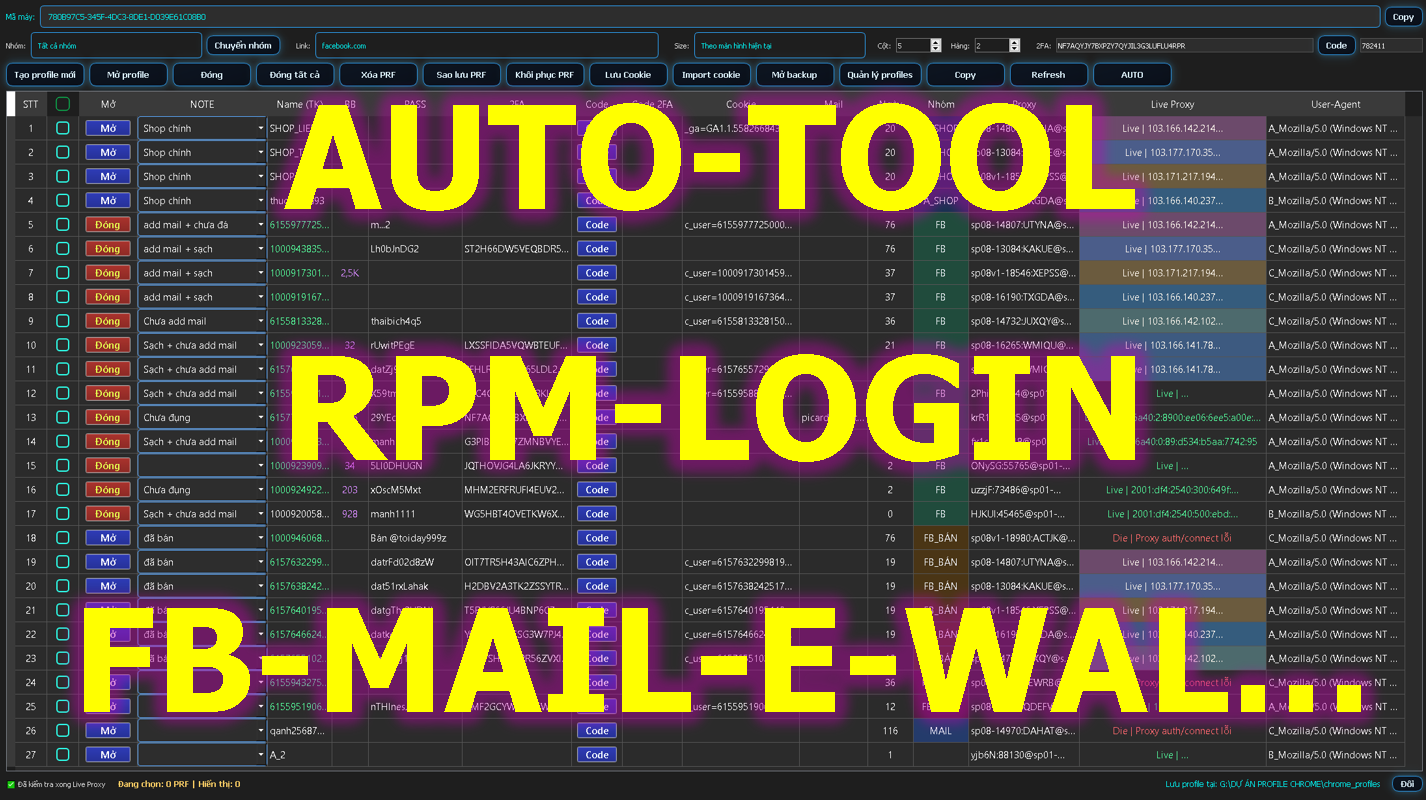
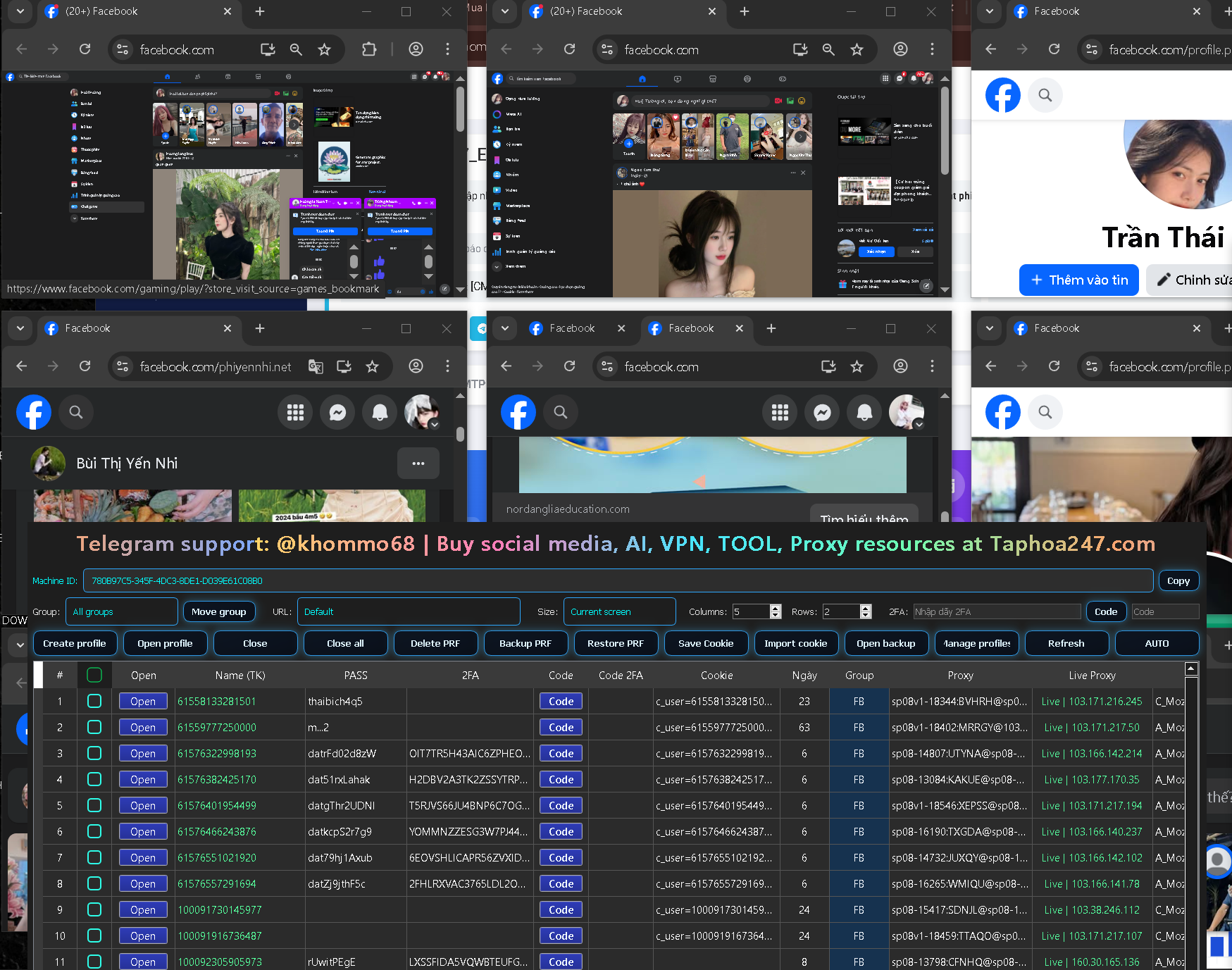
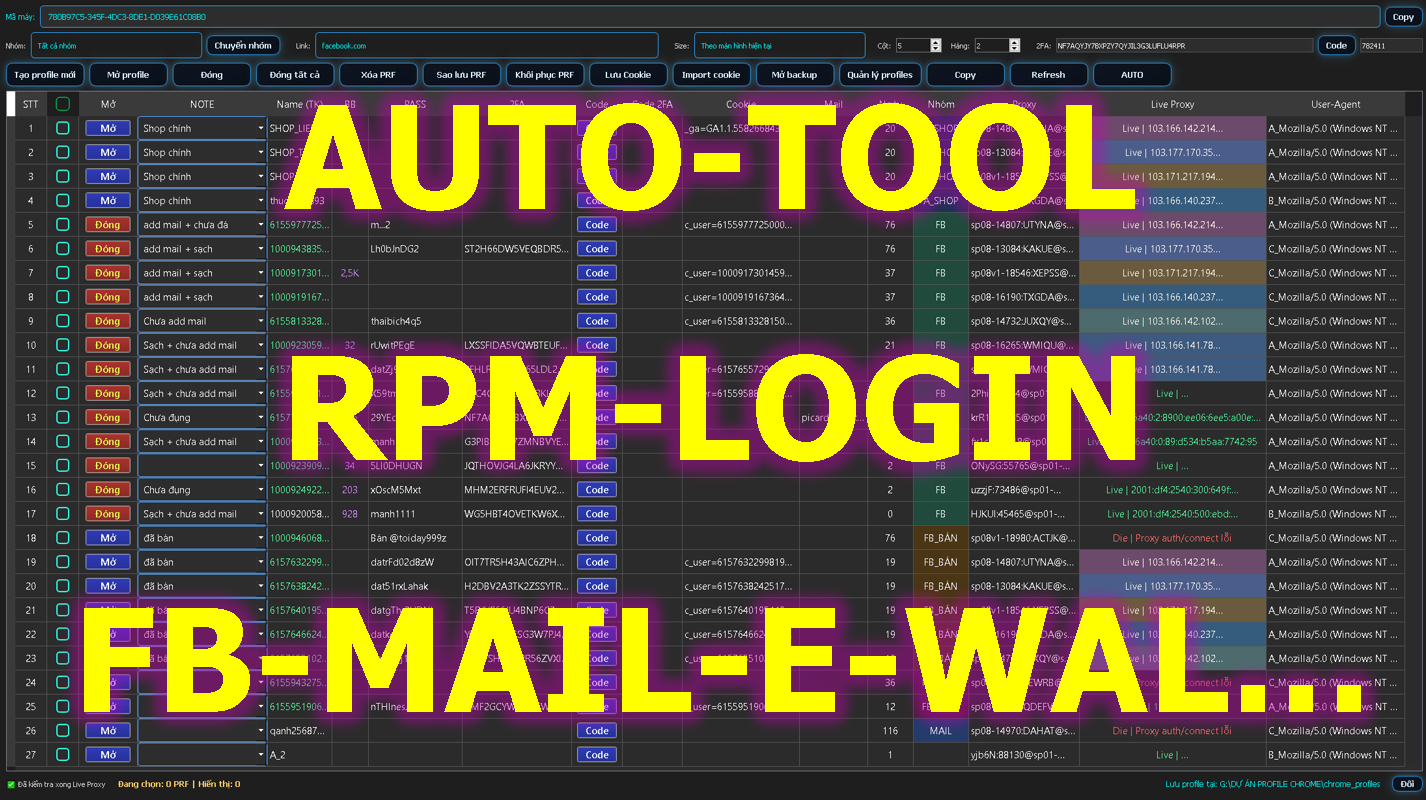
RPM Login is a browser profile management tool designed to help users create and organize multiple independent Chrome Profiles from one centralized interface.
It is especially useful for users who work with multiple projects, online platforms, marketing campaigns, e-commerce stores, or customer accounts.
What Is a Chrome Profile?
A Chrome Profile is a separate browser environment that can be used for a specific account, project, customer, or workflow.
Instead of constantly logging in and logging out, users can create separate profiles and keep each working environment organized independently.
For example:
-
Profile A for Project A
-
Profile B for Project B
-
Profile C for Client C
-
Profile D for Testing
RPM Login helps simplify this process by allowing users to create and manage multiple browser profiles from one dashboard.
Key Features of RPM Login
Create Multiple Chrome Profiles
RPM Login allows users to create multiple clean Chrome Profiles for different working environments.
This can be useful for:
Desktop and Mobile Browser Environments
RPM Login supports different browser configurations, including environments designed to simulate desktop and mobile browser setups.
This can be helpful when testing websites, workflows, or online services across different device environments.
Proxy Management
Proxy management is an important part of organizing multiple browser environments.
RPM Login includes proxy-related features that help users configure and check proxy connections before using them.
This can make browser profile management more convenient and efficient.
2FA Support
Two-Factor Authentication, or 2FA, is widely used to secure online accounts.
When users or teams manage multiple authorized accounts, retrieving authentication codes manually can become time-consuming.
RPM Login includes 2FA-related features designed to simplify this workflow.
Session and Cookie Management
RPM Login also provides tools related to browser sessions and cookies.
These features can help users manage authorized login sessions more efficiently.
Users should only manage cookies or login sessions for accounts they own or have permission to access.
Automation with RPM Login
One of the key advantages of RPM Login is its Automation functionality.
Users can create automated workflows for repetitive tasks and reduce the amount of manual work required during daily operations.
A typical workflow might include:
Open Profile → Open Website → Perform Task → Check Status → Save Result
When repetitive workflows are automated correctly, users can improve productivity and reduce unnecessary manual actions.
Can You Use RPM Login Without Coding?
RPM Login is designed to make workflow automation easier for users who may not have advanced programming knowledge.
Users can start with basic automated tasks and gradually build more advanced workflows as they become familiar with the system.
This makes the tool accessible to both technical and non-technical users.
Who Is RPM Login For?
RPM Login may be useful for individuals and teams that need to:
-
Manage multiple Chrome Profiles
-
Organize multiple online projects
-
Manage proxy configurations
-
Handle 2FA workflows
-
Automate repetitive browser tasks
-
Separate different working environments
-
Improve browser-based workflow efficiency
Conclusion
If you are looking for a tool to manage multiple Chrome Profiles, RPM Login provides a centralized solution that combines browser profile management, proxy tools, 2FA support, session management, and automation.
By bringing multiple browser management features into one platform, RPM Login can help simplify workflows and improve productivity.