What Is an Antidetect Browser? How Browser Profiles Help Manage Multiple Accounts
Managing multiple browser environments with a standard Chrome browser can become difficult as the number of projects and accounts increases.
This is why terms such as Antidetect Browser, Browser Profile, Multi-Profile Browser, and Browser Profile Manager have become increasingly common among marketers, agencies, e-commerce teams, and online businesses.
What Is an Antidetect Browser?
An Antidetect Browser is a type of browser management solution that allows users to create multiple independent browser environments.
Each environment is usually called a Browser Profile.
Instead of using one browser environment for every project, users can organize different accounts and workflows into separate profiles.
This makes browser management more structured and easier to control.
What Is a Browser Profile?
A Browser Profile is an isolated working environment inside a browser management system.
For example, instead of working like this:
Client A → Log In → Log Out
Client B → Log In → Log Out
Client C → Log In → Log Out
Users can organize their work like this:
Profile A → Client A
Profile B → Client B
Profile C → Client C
This approach helps reduce confusion and makes it easier to manage different projects separately.
How Does RPM Login Manage Browser Profiles?
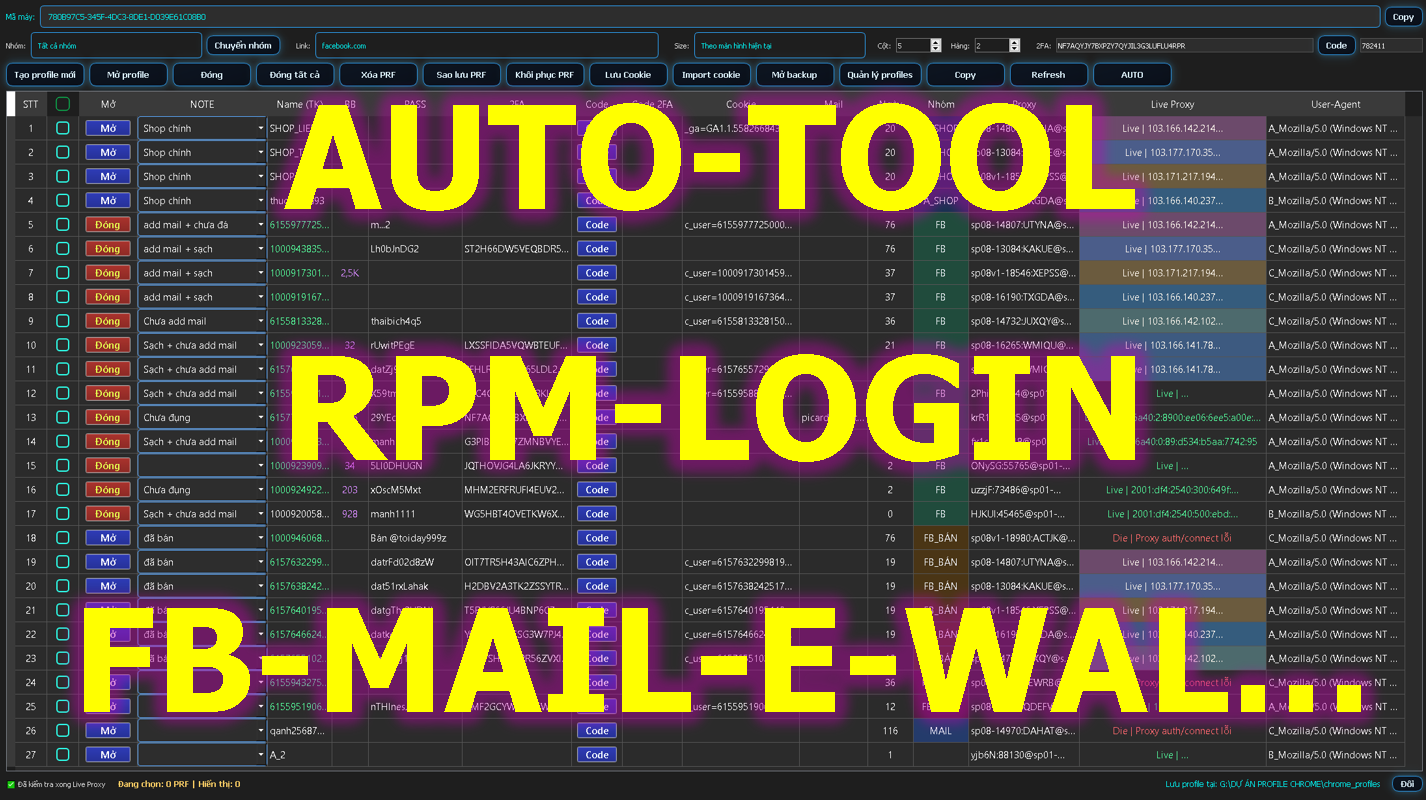
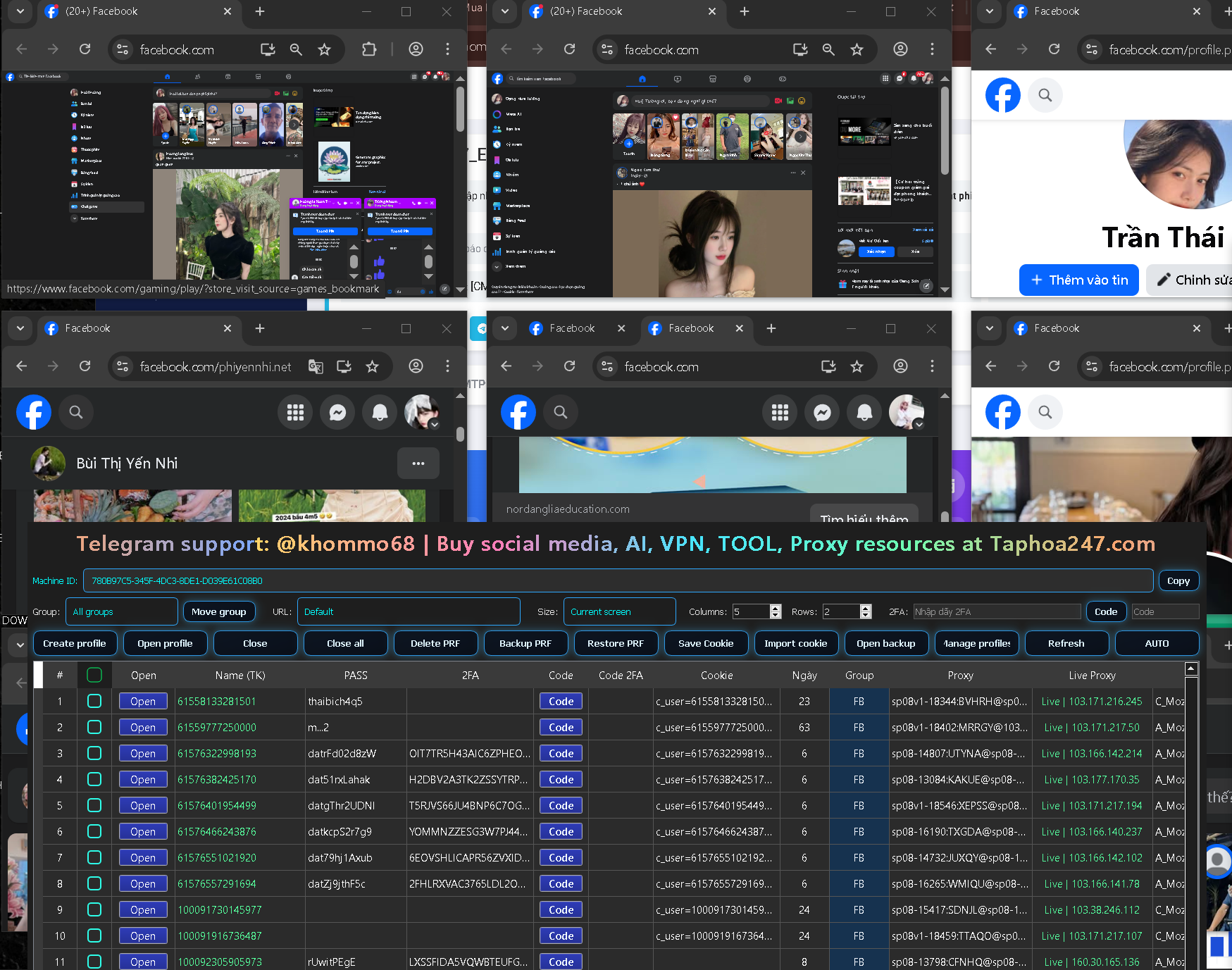
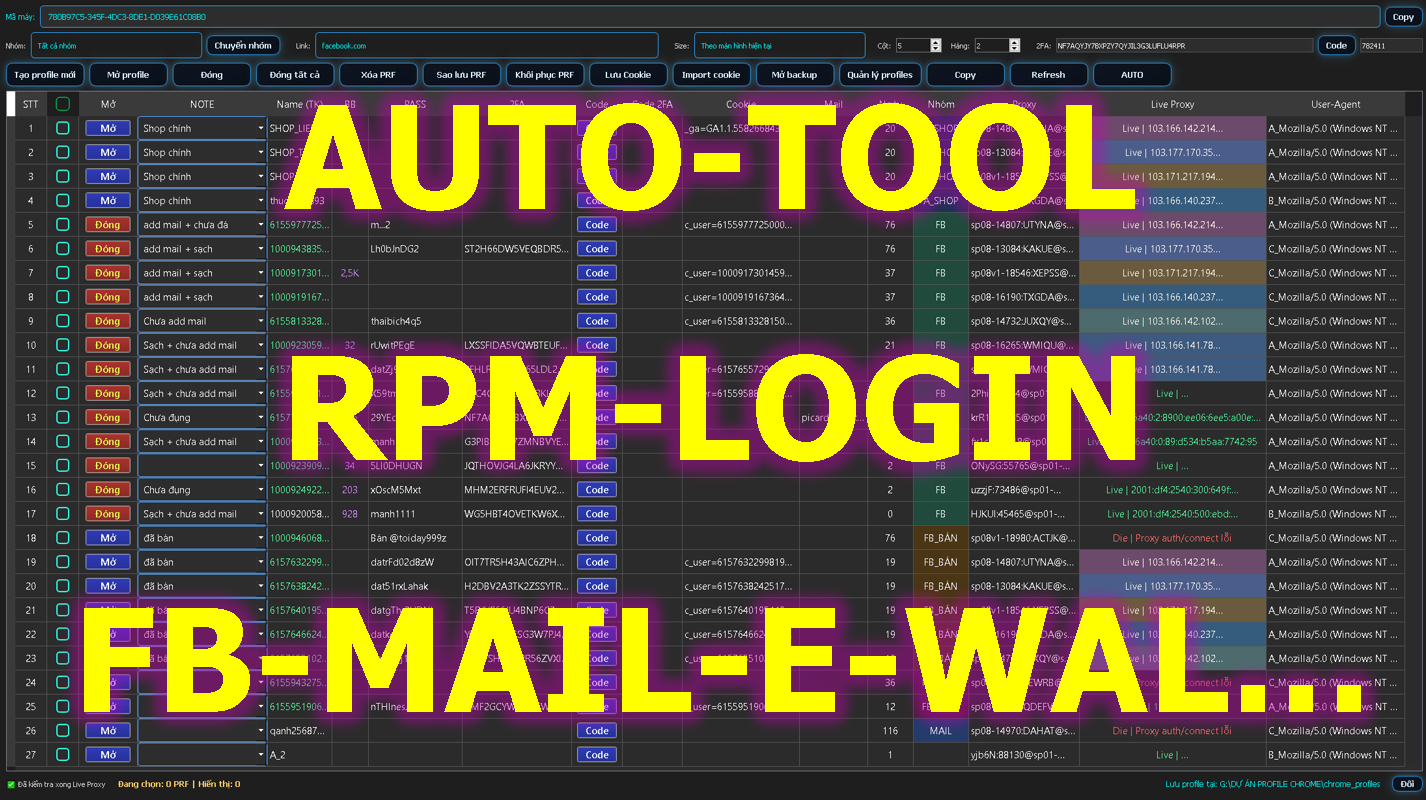
RPM Login provides a centralized environment for creating and managing multiple Chrome Profiles.
Users can organize browser profiles based on:
-
Clients
-
Projects
-
Websites
-
Marketing campaigns
-
Online stores
-
Team members
-
Testing environments
This structure is especially useful for users who need to manage many browser-based workflows at the same time.
Proxy Management and Browser Profiles
Some users need different proxy configurations for different browser environments.
RPM Login includes proxy-related tools that help users configure and check proxy connections.
Checking a proxy before starting a workflow can help users identify connection problems or unstable proxy performance.
2FA Management
Two-Factor Authentication provides an additional layer of account security.
For teams managing multiple authorized accounts, repeatedly retrieving 2FA codes can become inconvenient.
RPM Login includes tools designed to simplify 2FA-related workflows.
Browser Automation
Another important feature is browser automation.
Repetitive workflows can often be converted into automated processes.
For example:
Open Browser Profile → Visit Website → Perform Task → Verify Status → Save Result
By automating repetitive actions, users may reduce manual work and improve workflow consistency.
Who Can Benefit from Browser Profile Management?
Browser profile management tools can be useful for:
When Should You Use a Multi-Profile Browser?
A multi-profile browser may be useful when:
-
You manage multiple projects
-
You work with multiple clients
-
You need separate browser environments
-
You regularly use proxy configurations
-
You manage many authorized accounts
-
You want to automate repetitive browser workflows
Important Usage Note
Browser profile management software should only be used for legitimate purposes.
Users should manage accounts they own or have authorization to access and should follow the terms and policies of the platforms they use.
Conclusion
An Antidetect Browser or Browser Profile Manager is more than a tool for opening multiple browser windows.
By combining browser profiles, proxy management, 2FA tools, and automation, users can create a more organized and efficient workflow.
RPM Login brings these features together in one platform for users who need to manage multiple browser environments.
SEO Title: What Is an Antidetect Browser? Browser Profile Guide
Meta Description: Learn what an Antidetect Browser and Browser Profile are, how multiple Chrome Profiles work, and how RPM Login supports proxy, 2FA, and automation.
Primary Keyword: Antidetect Browser
Secondary Keywords: browser profile, browser profile manager, multi profile browser, multiple account browser, Chrome profile manager, RPM Login
Suggested URL Slug: what-is-antidetect-browser-profile